
🔥 Introduction
Claude AI not responding can be frustrating — especially when you need answers fast.
You may see messages not sending, slow replies, or Claude freezing completely.
The good news?
👉 Most Claude AI issues can be fixed in just a few minutes.
In this guide, you’ll learn 7 proven fixes fixes.
You’ll also find quick solutions to get Claude working again fast.
⚠️ Common Reasons Why Claude AI Is Not Responding
Before trying the fixes, it helps to understand what might be causing the problem:
- Claude servers may be overloaded or down
- Your internet connection is slow or unstable
- Browser cache or cookies are causing conflicts
- VPN or proxy is interfering with the connection
- Your session has expired or bugged
Understanding these causes will help you fix the issue faster.
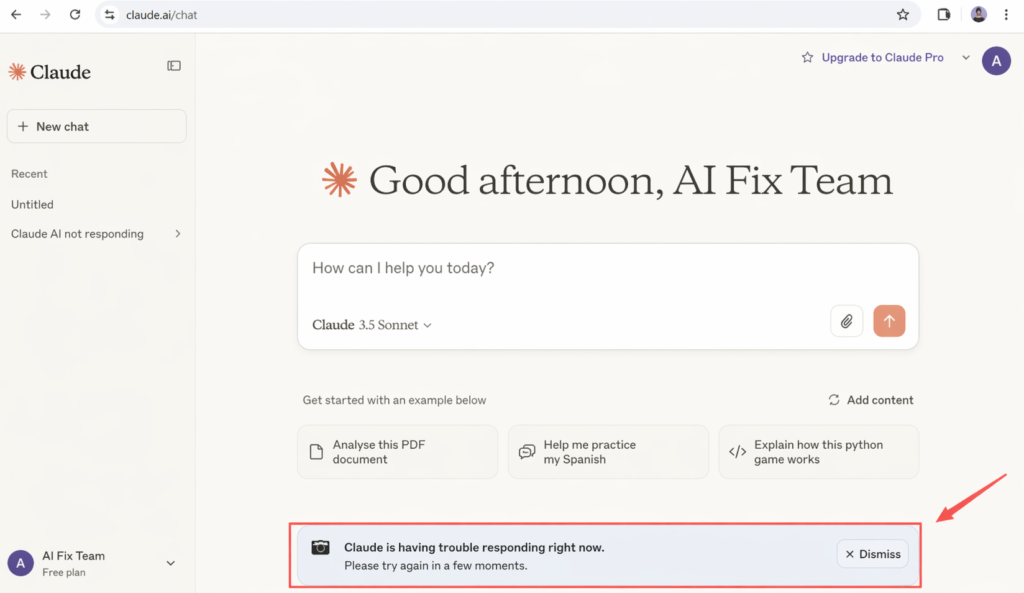
⚡ Quick Fix (Try This First)
## ⚡ Quick Fix (Try This First)
If Claude AI is not responding, try these quick fixes first:
– Refresh the page (Ctrl + F5 / Cmd + Shift + R)
– Turn off VPN or proxy
– Check if Claude servers are down
– Switch to another browser
👉 These steps fix most issues in under 2 minutes.
✅ 7 Fixes for Claude AI Not Responding
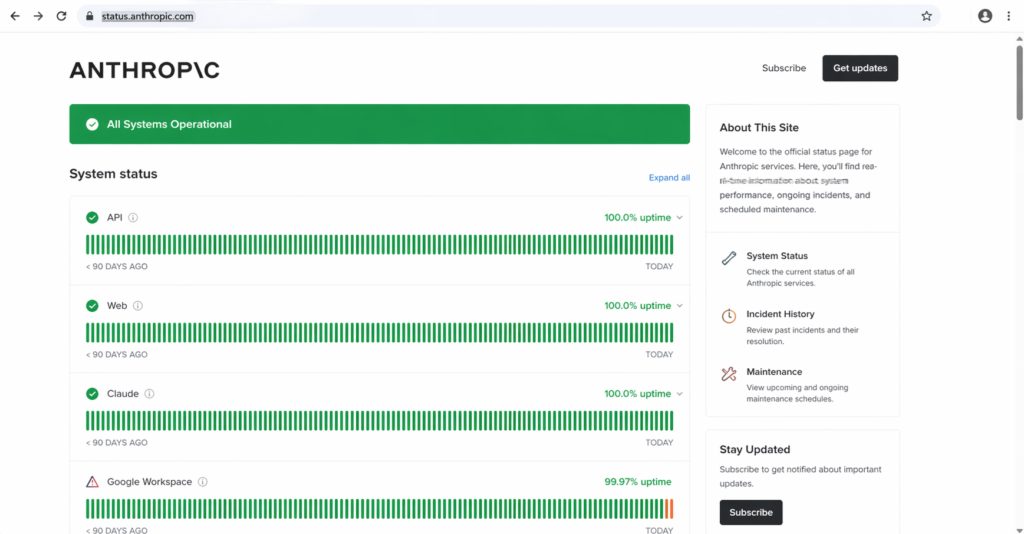
✅ Fix 1: Check If Claude AI Is Down
Sometimes the problem is not on your side at all.
Claude AI may stop responding if its servers are overloaded or under maintenance. This usually happens during peak usage times or system updates.
👉 Visit the official status page:
https://status.anthropic.com
If there is an outage, the only solution is to wait until services are restored.
✅ Fix 2: Refresh the Page
Temporary glitches can prevent Claude from responding properly.
A hard refresh can fix loading issues or frozen screens.
It reloads all page resources and clears temporary bugs.
Steps:
- Windows: Press Ctrl + F5
- Mac: Press Cmd + Shift + R
This forces your browser to reload the page and clears temporary bugs.
✅ Fix 3: Check Your Internet Connection
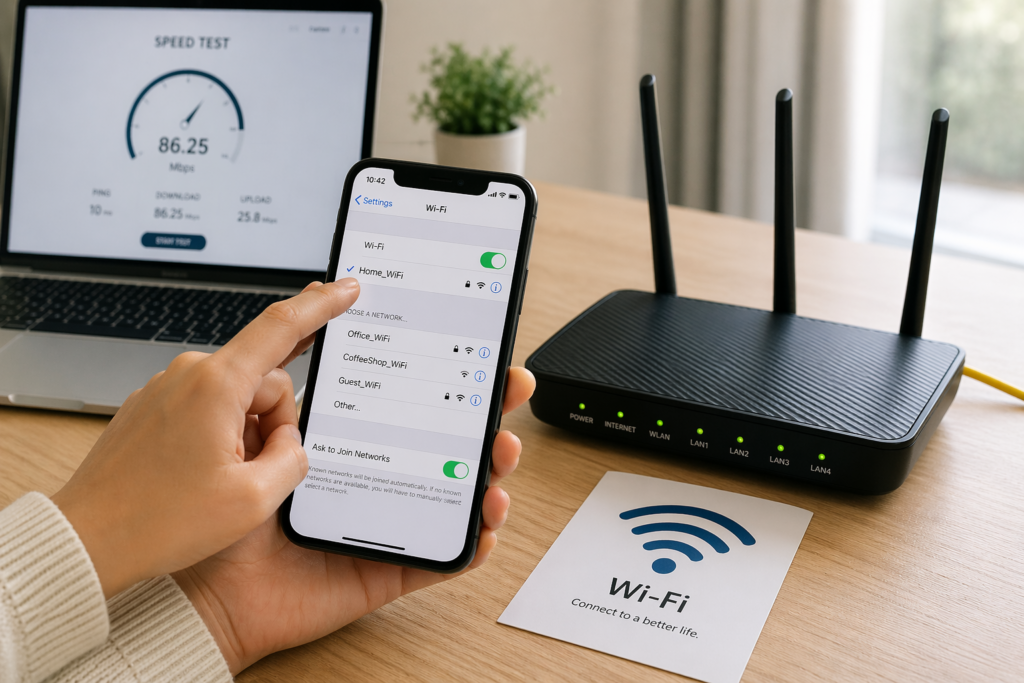
A slow or unstable internet connection may stop Claude from responding.
If your connection drops or becomes unstable, Claude may stop working properly.
It may fail to load messages or send replies.
Try the following:
- Restart your router
- Switch to another Wi-Fi network
- Use mobile data
A stable connection is required for Claude to work properly.
✅ Fix 4: Clear Browser Cache and Cookies
Cached data and cookies can conflict with Claude, causing it to stop responding.
Over time, outdated or corrupted cache files may cause loading issues.
Clearing them can fix both loading and login issues.
Steps (Chrome):
- Open Settings
- Go to Privacy & Security
- Click “Clear browsing data”
- Select “Cached images and files” and “Cookies”
- Click “Clear data”
After clearing the cache, reload Claude and try again.
✅ Fix 5: Disable VPN or Proxy
VPNs and proxies may cause connection issues with Claude.
Some VPN servers may be blocked or slow.
This can prevent Claude from sending or receiving responses.
👉 Try turning off your VPN and refreshing the page.
If Claude starts working normally, the VPN was likely the cause of the issue.
✅ Fix 6: Try a Different Browser
Sometimes the issue is related to your browser.
Some browsers may have compatibility issues or conflicting settings.
This can prevent Claude from working properly.
Try using a different browser, such as:
- Google Chrome
- Microsoft Edge
- Firefox
This helps rule out browser-specific problems and often fixes the issue quickly.
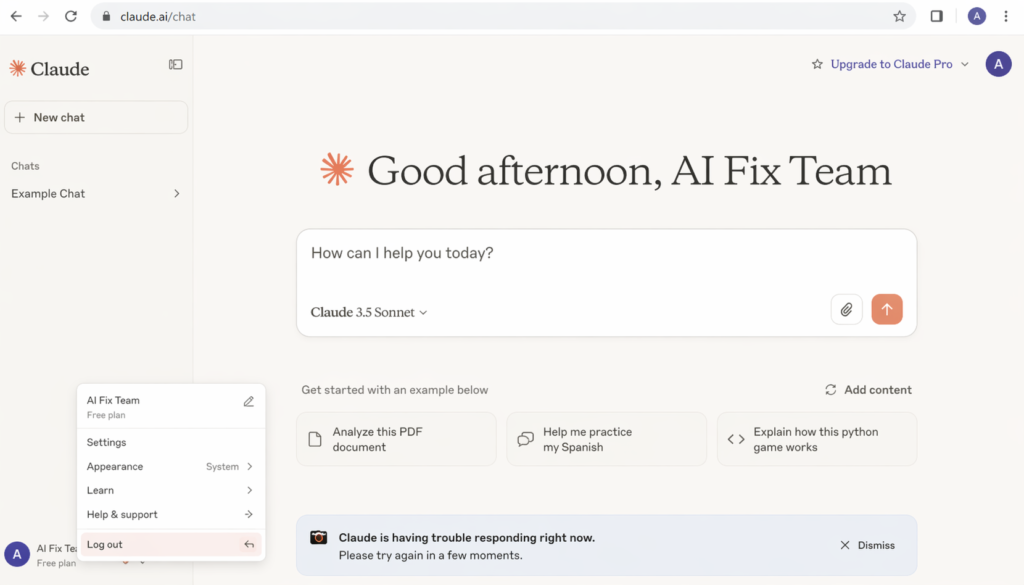
✅ Fix 7: Log Out and Log Back In
Session issues can cause Claude to stop responding or behave unexpectedly.
If your login session expires or becomes corrupted, Claude may stop working properly.
It may fail to send messages or load content.
Steps:
- Log out of your account
- Refresh the page
- Log back in
This resets your session and often fixes account-related problems.
❓ FAQ
Why is Claude AI not responding today?
Claude may not respond due to server issues, maintenance, or high traffic.
Is Claude AI down right now?
Check the official Anthropic status page to confirm outages.
Why is Claude so slow?
Slow responses are often caused by high traffic or network issues.
Can VPN cause Claude AI problems?
Yes, VPNs can interfere with Claude connections.
How do I fix Claude not responding?
Try refreshing the page, clearing cache, disabling VPN, or switching browsers.
🧾 Conclusion
If Claude AI is not responding, don’t worry — most issues are easy to fix.
Start with the quick fixes, then go through the solutions step by step.
👉 In most cases, Claude will start working again within minutes.
If the issue continues, it’s likely a server problem — and waiting is the only option.
🔗 Related Guides
If you’re still having issues, these guides may help: