
🧠 Introduction
Is Gemini AI responding slowly?
You might notice:
- Long delays before answers appear
- Gemini stuck on “Thinking…”
- Responses are taking too long to load
Many users of Google Gemini experience slow response issues, especially when responses are delayed, stuck on loading, or affected by network or browser problems.
👉 The good news? Most performance issues can be fixed quickly.
In this guide, you’ll learn 7 proven fixes to speed up Gemini AI fast.
👉 If Gemini is not working at all, check this guide → Gemini AI Not Working?
⚠️ Why Is Gemini AI So Slow?
Common causes include:
- 🌐 Slow or unstable internet
- 🚦 Server overload (high traffic)
- 🧠 Browser cache issues
- 🔌 Extension or VPN conflicts
- 📱 Device performance limitations
👉 Slow response is usually caused by connection or load issues, not your account.
⚡ Quick Fix (Try This First)
👉 Try these steps:
- Refresh the page
- Switch your network
- Close other apps or tabs
👉 This often improves response speed immediately.
🔧 Fix 1: Check Your Internet Speed

A slow connection is the #1 cause.
👉 Try:
- Run a speed test
- Ensure at least 10 Mbps
- Restart your router
👉 Why this works: Faster connection = faster responses.
🔧 Fix 2: Refresh Gemini or Start a New Chat
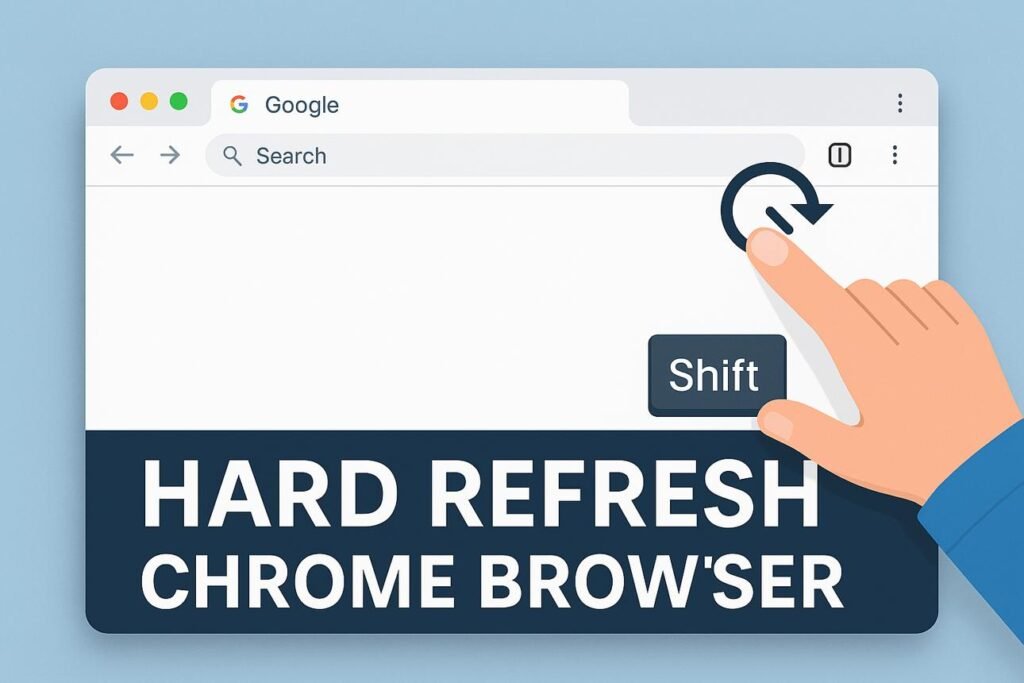
Old sessions can slow things down.
👉 Try:
- Refresh the page
- Start a new chat
👉 Why this works: Clears stuck processes.
🔧 Fix 3: Clear Browser Cache
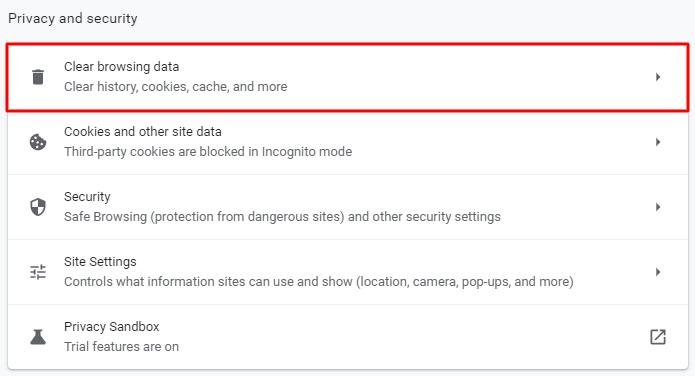
Cached data may affect performance.
👉 Steps:
- Open browser settings
- Clear cache & cookies
👉 Why this works: Removes outdated data.
🔧 Fix 4: Disable Extensions or VPN
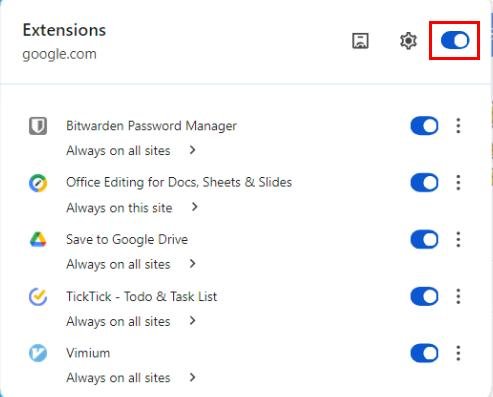
Extensions can slow down requests.
👉 Especially:
- VPN tools
- Ad blockers
- Privacy extensions
👉 Why this works: Reduces request delays.
🔧 Fix 5: Avoid Peak Hours
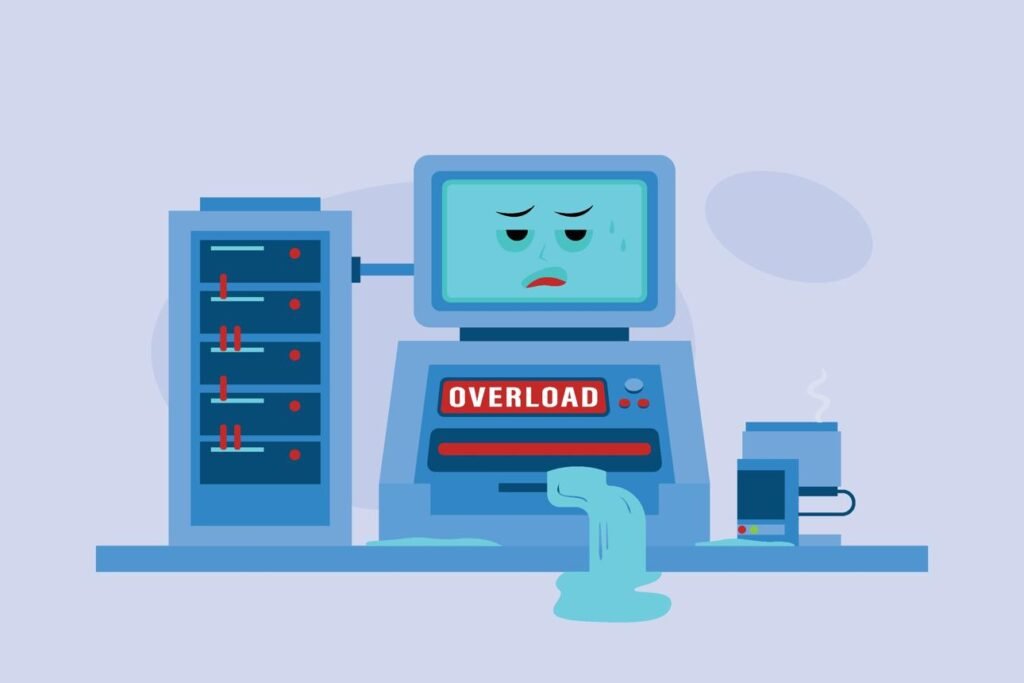
High traffic slows AI responses.
👉 Try:
- Use Gemini during off-peak hours
- Avoid busy times (evenings)
👉 Why this works: Less server load = faster speed.
🔧 Fix 6: Close Background Apps or Tabs
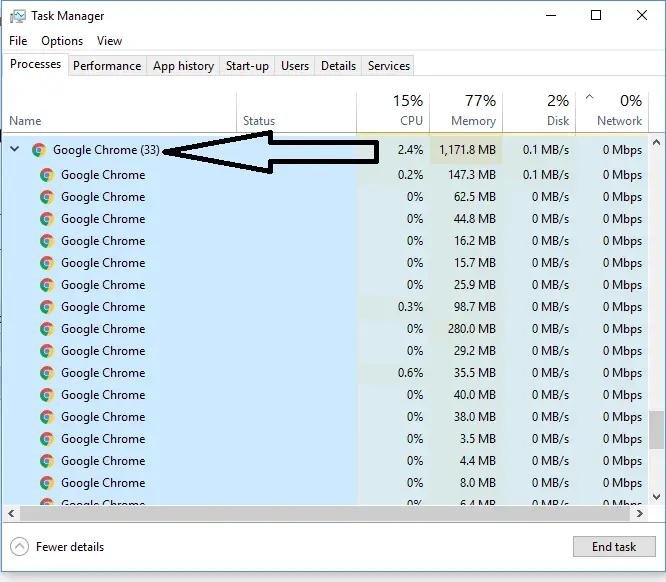
Too many apps can slow your device.
👉 Try:
- Close unused tabs
- Stop background apps
👉 Why this works: Frees system resources.
🔧 Fix 7: Try Another Device or Network

7
Sometimes it’s your environment.
👉 Try:
- Another device
- Another WiFi network
👉 Why this works: Identifies local issues.
🧪 Still Slow?
If Gemini is still slow:
👉 Try:
- Wait and retry later
- Reduce prompt length
- Use simpler queries
👉 In many cases, performance improves automatically.
❓ FAQ
Why is Gemini AI slow or responding slowly?
Usually because of:
- Slow internet
- Server overload
- Device limitations
Why is Gemini stuck on “Thinking…”?
This happens when:
- Your connection is unstable
- The server is busy
- Your browser is overloaded
👉 Try refreshing or switching networks.
How do I speed up Gemini AI?
👉 Best method:
- Improve internet speed
- Close background apps
- Avoid peak hours
🔗 Related Guides
👉 You may also find these helpful:
- Gemini AI Not Working? 7 Fixes That Actually Work (2026 Guide)
- Gemini AI Not Loading? 5 Fixes That Work (2026 Guide)
- ChatGPT Not Working? Fix It in Minutes (9 Proven Solutions)
🧠 Conclusion
A slow response from Gemini AI can be frustrating—but it’s usually easy to fix.
👉 By improving:
- Internet speed
- Device performance
- Browser setup
Most users can speed up Gemini in just a few minutes.